

Plugins/Techimizers Backup & Migrate

FreeBeta

Techimizers Backup & Migrate

Back up, restore and move a WordPress site. Every backup is checked, and every restore can roll back.

  • Free to download
  • No sign-up needed
  • Built by Techimizers
Version
0.4.1 Beta
Last updated
27 October 2026
Requires WordPress
6.4 or higher
Tested up to
WordPress 6.9
Requires PHP
8.0 or higher
Downloads
65

Overview

What Techimizers Backup & Migrate does

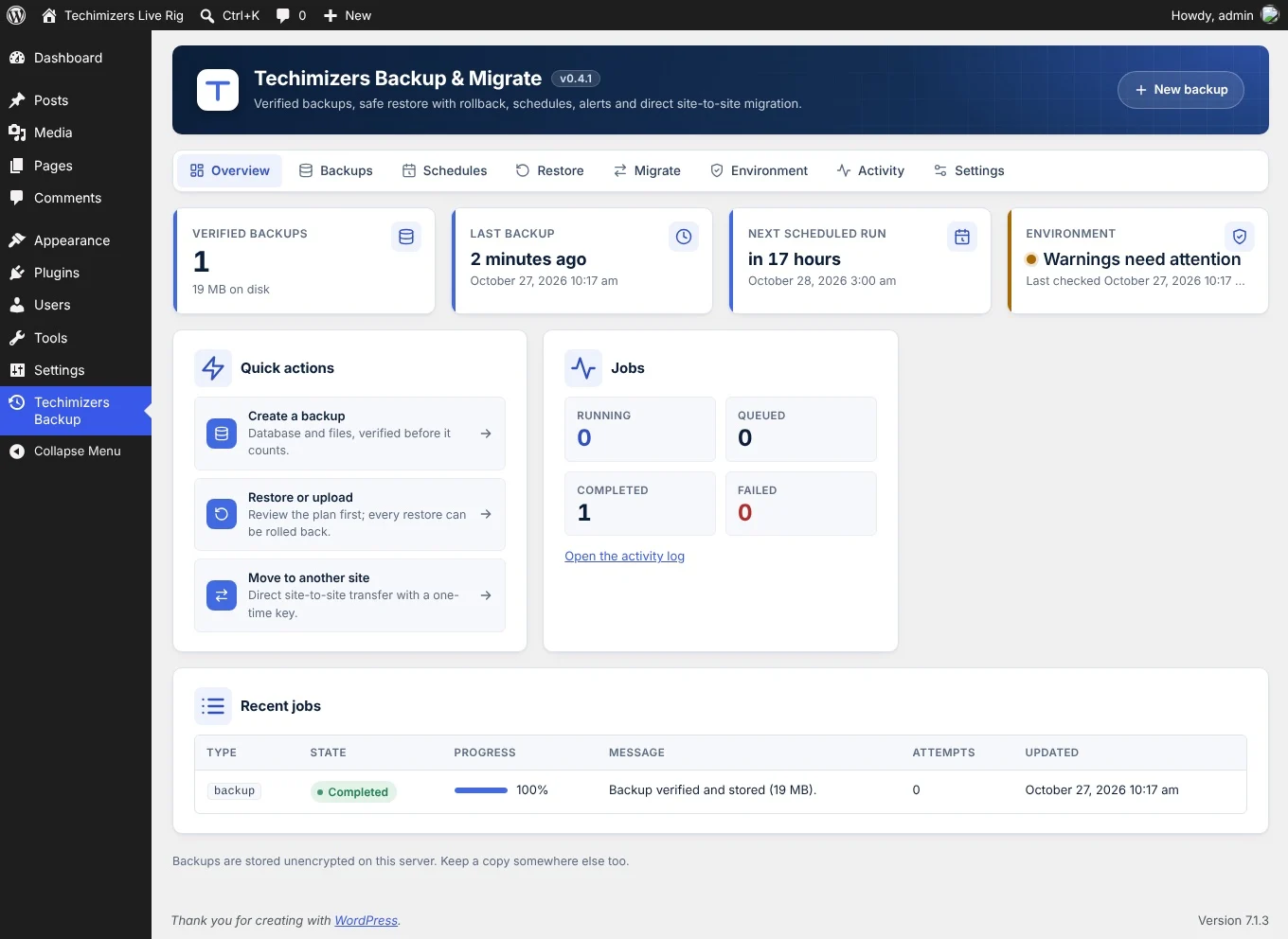
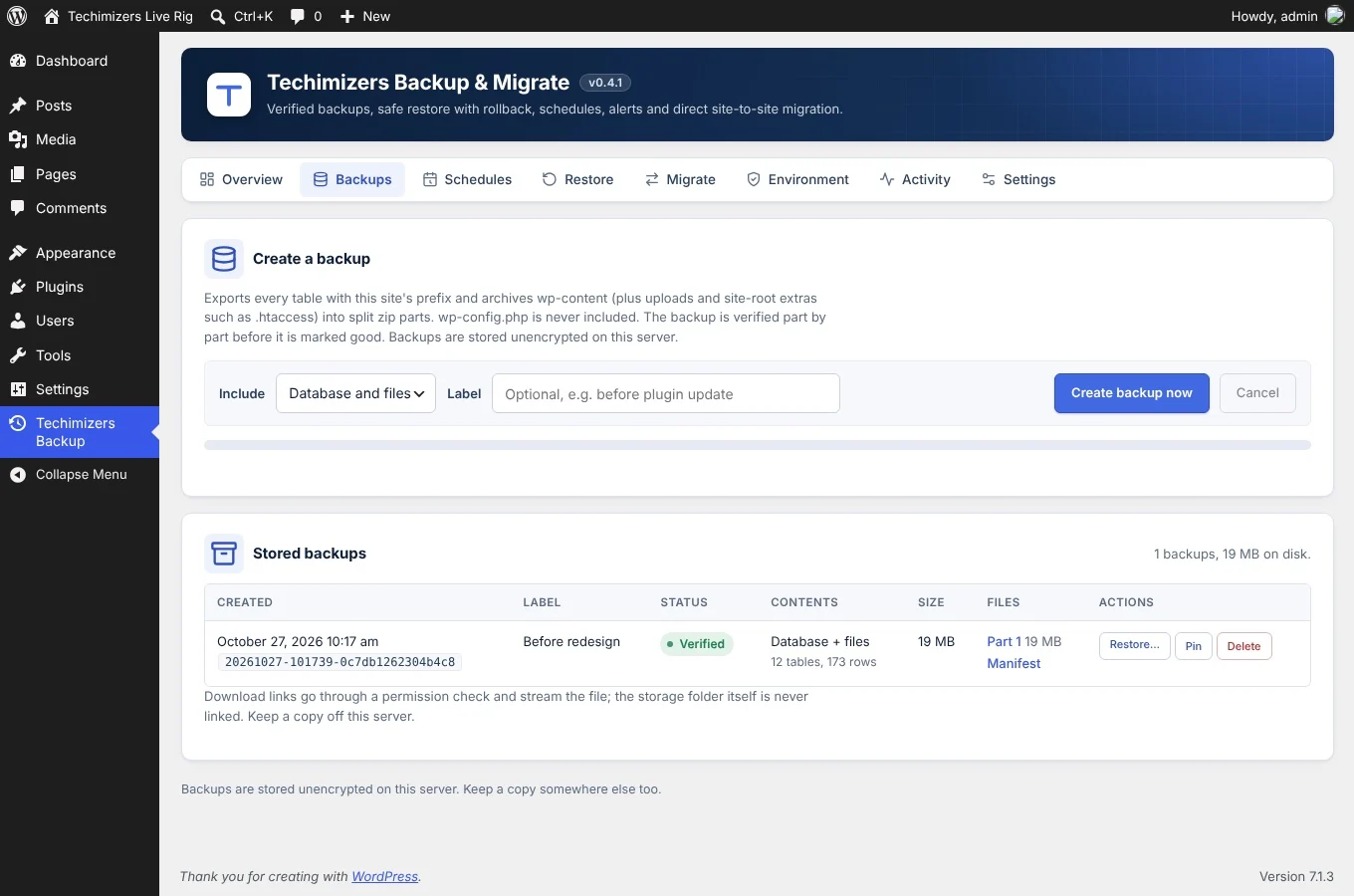
Techimizers Backup & Migrate makes backups of your WordPress database and files, checks each one, and keeps it on your own server. You can make a backup when you want, or set a schedule.

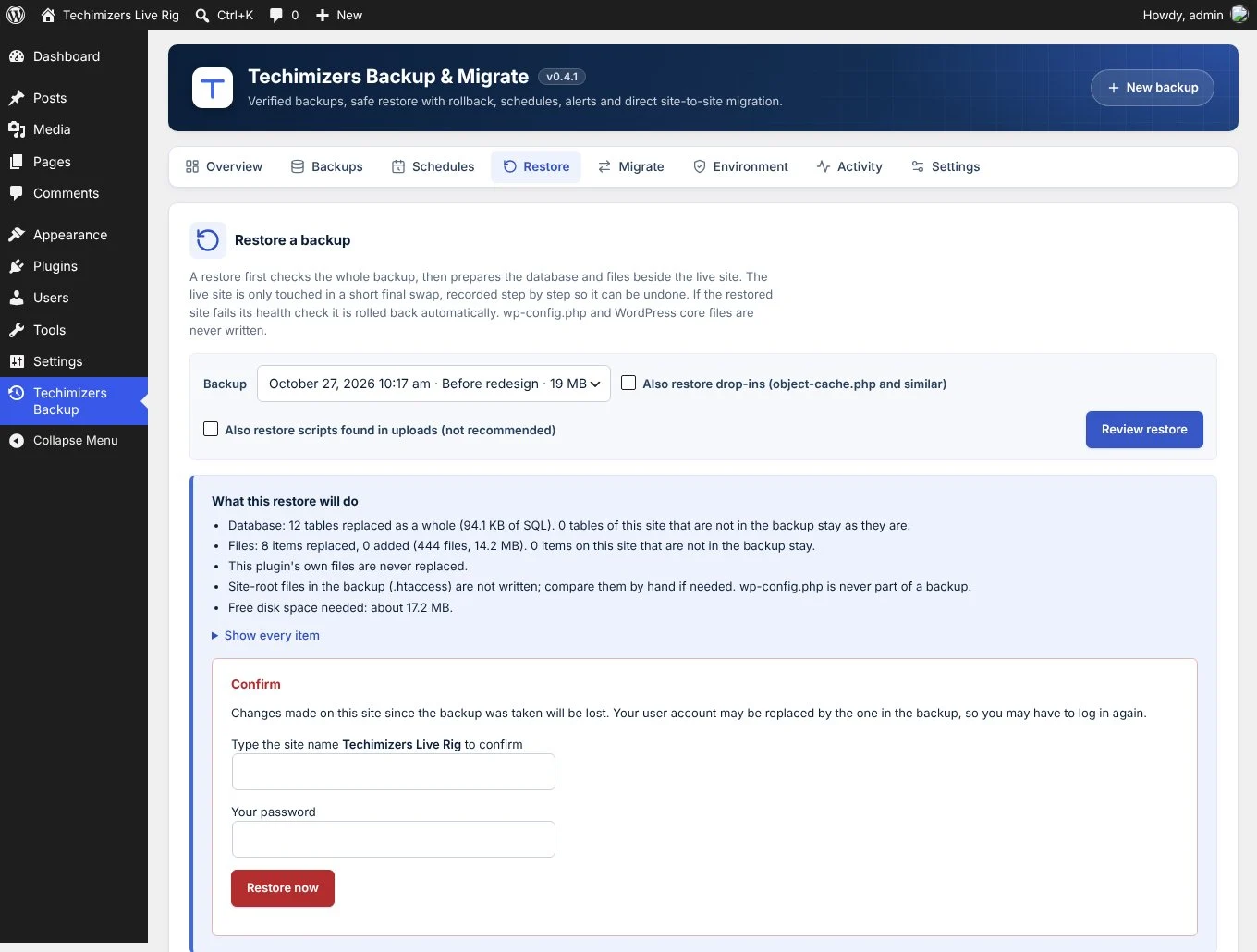
Before a restore, the plugin shows what will change. You confirm with your password and the site name. Your live site only changes in a short final step. If the site fails its health check afterwards, the plugin puts the old site back on its own.

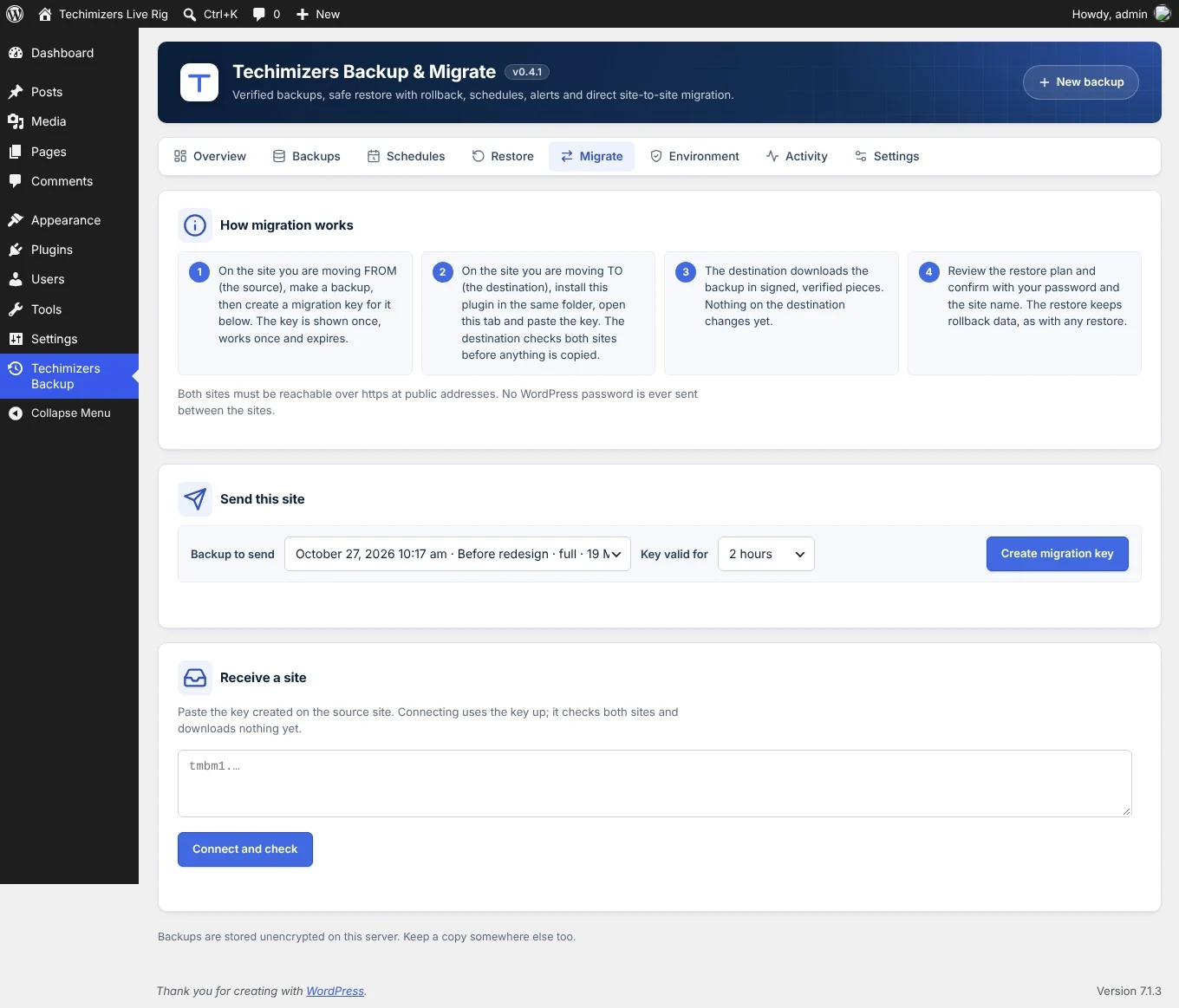
It also moves a site to another WordPress install. Create a one-time key on the old site and paste it on the new one. The new site downloads the backup directly and changes the old address to the new one.

The plugin does not contact any outside service, so your backups never leave your servers.

Beta release. Version 0.4.1 is still in testing. Try it on a test site first, and keep a copy of your backups somewhere else.
Features

What you get

  • 01

    Checked backups

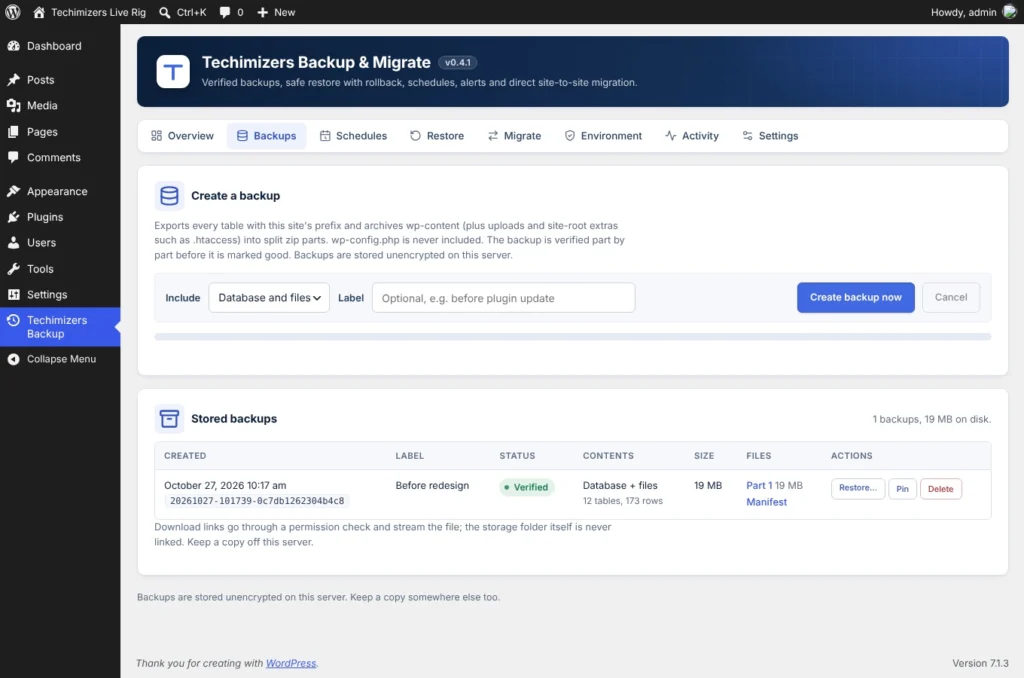
    Every file and database part gets a SHA-256 checksum. Each backup is opened again and checked before it counts as good.

  • 02

    Restore with automatic rollback

    You see a restore plan before anything changes. If the site fails its health check after a restore, the old site comes back on its own.

  • 03

    Scheduled backups

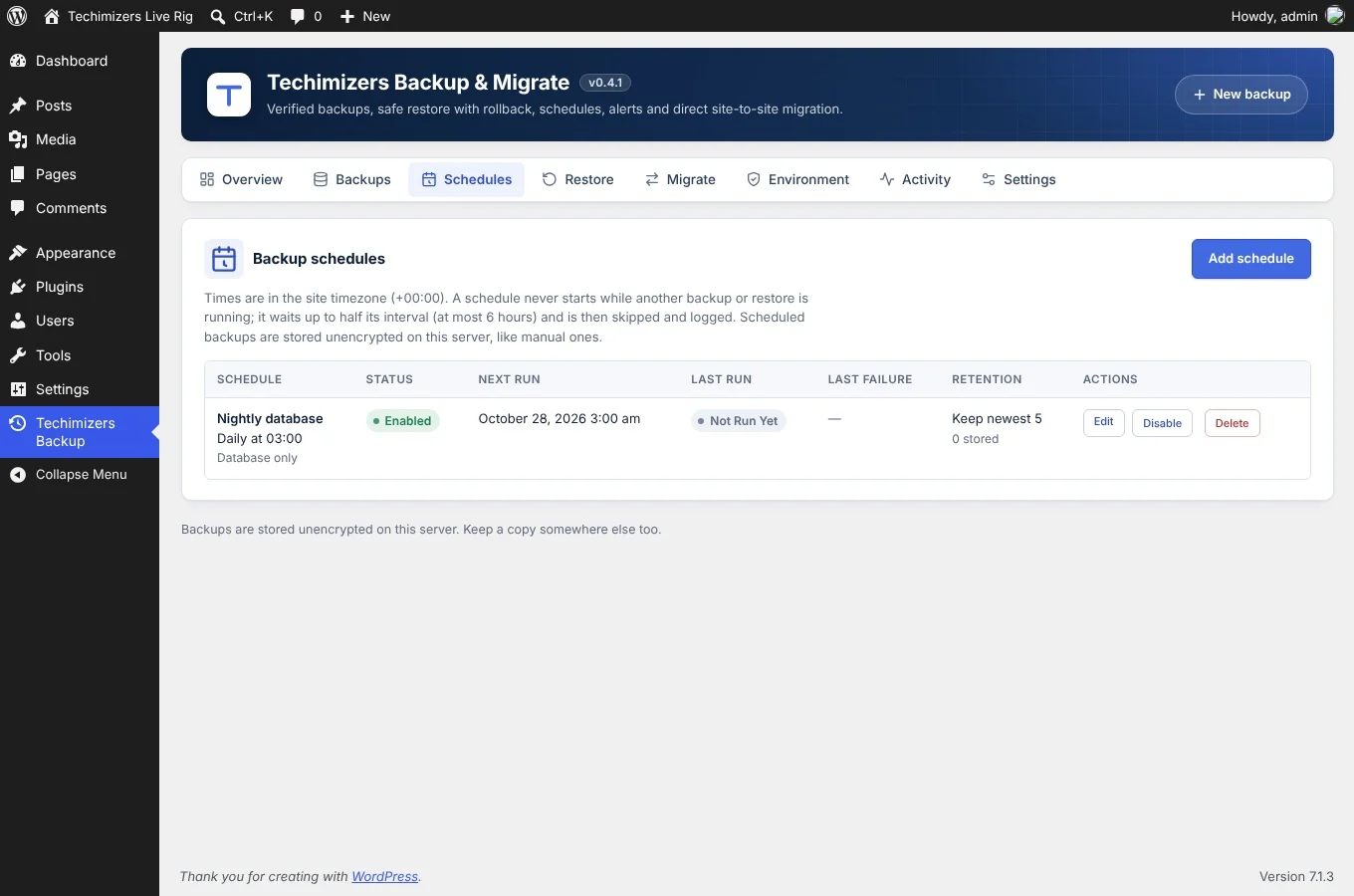
    Daily, weekly, monthly or every few hours, each schedule with its own retention. A schedule never runs at the same time as another backup or a restore.

  • 04

    Site-to-site migration

    Move a site with a one-time key that expires. Every request between the two sites is signed, and links to the old address change to the new one.

  • 05

    Works on small hosting plans

    Long jobs run in short steps, so a 30-second PHP limit does not stop a backup. Uploads go in small pieces and can resume.

  • 06

    Email alerts

    Get an email when a scheduled backup fails or a restore is rolled back. Send alerts to the admin email or up to five addresses.

Installation

Install it in a few minutes

WordPress 6.4+ · PHP 8.0+
  1. 01

    Download the zip file from this page.

  2. 02

    In WordPress, go to Plugins > Add New Plugin > Upload Plugin.

  3. 03

    Choose the zip file, click Install Now, then click Activate.

  4. 04

    Open Techimizers Backup in the admin menu.

  5. 05

    Open the Environment tab and run the checks.

  6. 06

    Click New backup to make your first backup.

Questions

Questions about Techimizers Backup & Migrate

Anything else? Ask on the call

WordPress 6.4 or higher and PHP 8.0 or higher. The Environment tab shows what your server can do before you make a backup.

On your own server, in a folder with a random name that is blocked from public access. Backups are not encrypted, so keep a copy somewhere else too.

Yes. Upload the backup on the other site, or send it directly from the Migrate tab. Links to the old address change to the new address.

No. wp-config.php is never put in a backup and never replaced by a restore. WordPress core files are not copied either.

After a restore, the plugin checks the database, the admin account, the home page and the login page. If a check fails, it puts the old site back.

No. The plugin does not contact any outside service. During a migration, the new site downloads the backup straight from the old site.

They work with WP-Cron, which runs when the site gets visits. For exact timing, call wp-cron.php from a server cron job every 5 minutes.

Changelog

What changed in each version

  1. v0.4.1Latest27 Oct 2026

    New admin screen design with overview tiles, icon tabs, cleaner tables and a layout that works on phones. No change to what any action does.

  2. v0.4.027 Oct 2026

    Direct site-to-site migration with one-time keys, signed requests, resumable downloads and address change during the restore.

  3. v0.3.127 Oct 2026

    Email alerts for failed backups and restores. Tested on PHP 8.0 to 8.4, WordPress 6.4 to 6.9, MySQL and MariaDB.

  4. v0.3.027 Oct 2026

    Backup schedules with retention, overlap protection and a Schedules tab.

  5. v0.2.027 Oct 2026

    Backup upload, restore preview, confirmed restore and automatic rollback.

  6. v0.1.027 Oct 2026

    First build: database export, file archive, checksums and the Backups tab.

Get Techimizers Backup & Migrate

Download it free.

Version 0.4.1 · 284 KB · WordPress 6.4+ · PHP 8.0+

Support

Questions about Techimizers Backup & Migrate?

Ask us anything about the plugin, or tell us what you need it to do. We reply within 24 hours.

No obligation. A reply from a real person within 24 hours.

Thanks, we have it.

Expect a reply within 24 hours. In a hurry? Message us on WhatsApp.